Give each sign-up a backstory.
Follow the pages a visitor explored before a selected Amplitude event. See the path through your content alongside the outcome.
Your signup event tells you someone took the next step. Spronta connects it to the pages they visited and the questions they asked along the way.
Works with Spronta Analytics · Explore pricingKeep Amplitude for product analytics. Add the website content and Answers context that helps your team understand the visit before a conversion.
Follow the pages a visitor explored before a selected Amplitude event. See the path through your content alongside the outcome.
See the search and Answers interactions in a visitor journey before a signup or trial event. Find useful topics and unanswered questions to improve.
Choose your real Amplitude event names as goals. Keep your existing user IDs and SDK setup, with optional filters for the properties that matter.
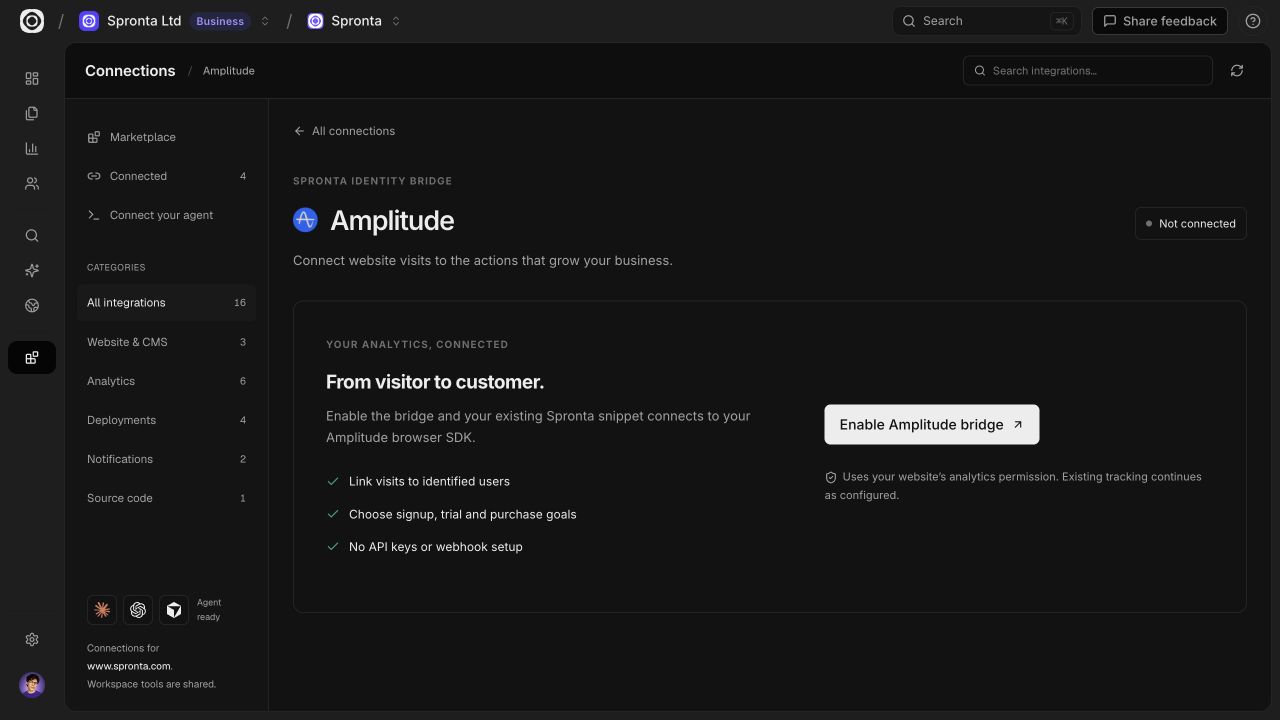
Enable the Amplitude bridge in Spronta. Your existing snippet detects Amplitude Browser SDK 2 and connects its events to the current website session.
Read the setup guideOpen Connections in your Spronta website workspace and enable Amplitude. No API key or webhook setup.
The snippet detects supported global SDKs. An imported or named SDK needs one short adapter line after initialization.
Select the exact event your app already sends. Save it as a goal, then explore the linked content and visitor journeys.
Amplitude Browser SDK 2 and your Spronta snippet on the website. Browser events are supported; server-only events and historical imports are not included.
The bridge follows your Spronta analytics permission. Connections and identity links stay separate for each website and provider.
Amplitude integration reference ↗Setup, supported events and the context you can connect.
Enable the Amplitude bridge in Spronta. Your existing snippet detects Amplitude Browser SDK 2 and connects its events to the current website session.
Choose actual signup, trial or purchase events as conversion goals. Spronta links supported, consented events to the website session so you can explore content visits, searches and Answers interactions before the goal.
Keep Amplitude for product analytics. Add the website content and Answers context that helps your team understand the visit before a conversion.
Standard global browser SDK instances are detected by your existing Spronta snippet. If your SDK is imported into an app or uses a named instance, add the short adapter line from the setup guide after initialization. Keep your existing identify and logout/reset calls.
Amplitude Browser SDK 2 and your Spronta snippet on the website. Browser events are supported; server-only events and historical imports are not included.
Identity Bridge uses the current permitted website session and explicit analytics user IDs. It does not guess a match from email or IP addresses, change your provider user ID, or merge people across providers.
Event processing and visitor outcome reporting require Spronta Analytics. You can add Analytics to your plan and use it alongside Search or Answers.
Product names identify compatibility. They do not imply endorsement or partnership.